





Fileshaper
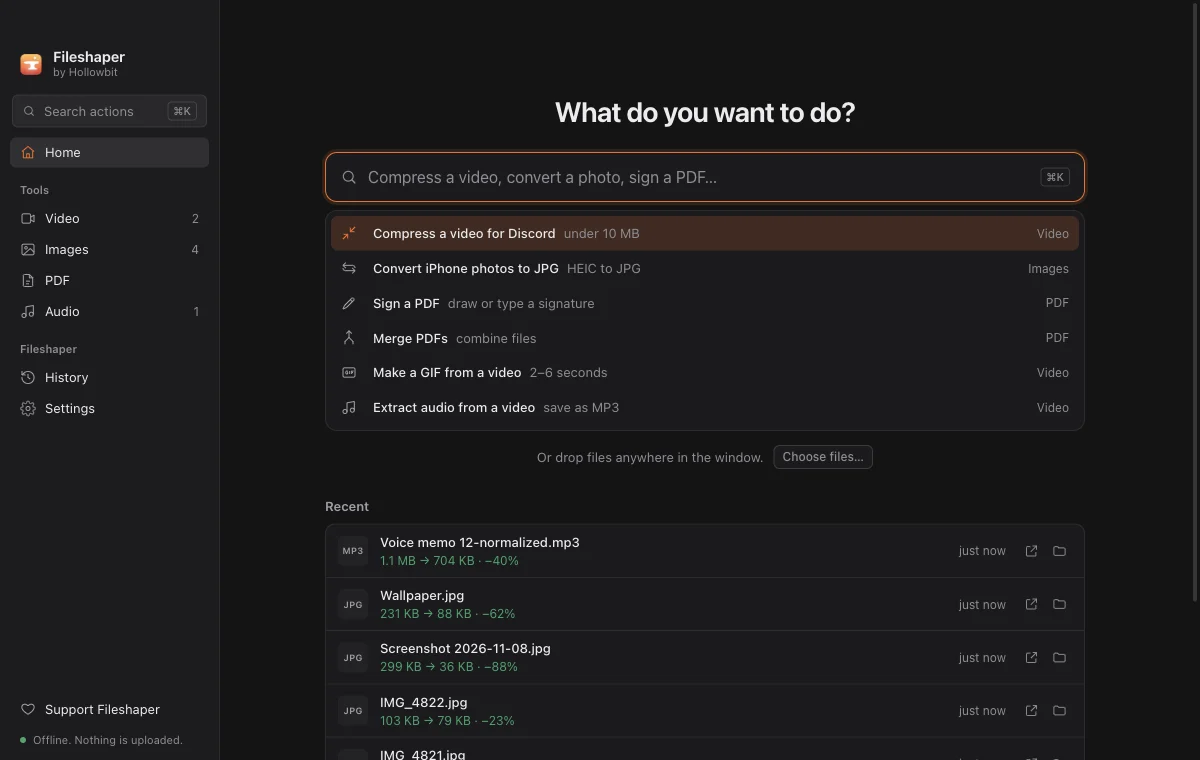
Compress videos for Discord, convert iPhone photos, merge and sign PDFs. One toolbox, fully offline.
Everything you need to write about Hollowbit Studio and its apps. Use anything on this page freely, no need to ask.
Hollowbit Studio makes free apps for Mac and Windows that never upload your files. Each one replaces a website or subscription with an app that does the job on your own computer, with no ads, no accounts and no watermarks.
Hollowbit Studio is an independent studio run by Elvis Zygmanta. It started with a simple annoyance: everyday jobs like shrinking a video, converting a photo or adding subtitles meant uploading files to a website, waiting in a queue and paying to remove a watermark.
Each Hollowbit app takes one of those jobs and does it offline, for free. The line-up covers file conversion (Fileshaper), subtitles (Captionshaper), storage cleaning (Diskshaper), writing help (Writeshaper), PC speed-ups (Startshaper), photo editing (Lightshaper), short clips from long videos (Clipshaper), moving to a new computer (Moveshaper), making music (Melodyshaper) and app automations (Fuseduo).
Every app is open source, works with the Wi-Fi off and has no paid tier. There is no tracking in the apps or on the websites.
Elvis Zygmanta is the founder of Hollowbit Studio. Elvis designs and releases the studio’s apps, websites and videos, and runs its community on Discord.
PNG at 2048 px, plus the mark as SVG. Please don’t stretch, recolour or add effects.
Icons at 1024 px and a screenshot for each app.
Compress videos for Discord, convert iPhone photos, merge and sign PDFs. One toolbox, fully offline.
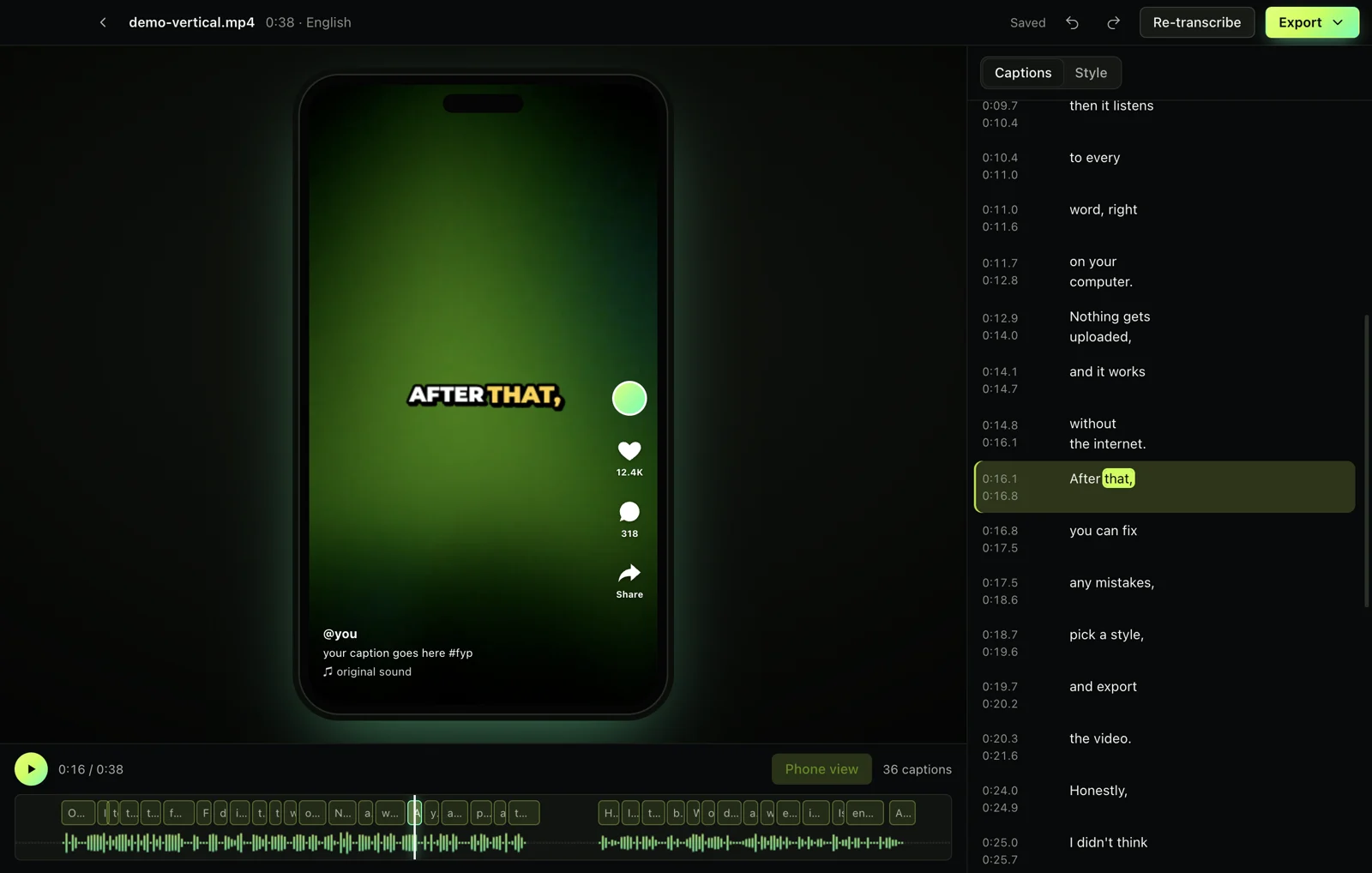

Word-timed subtitles for any video, written by a speech model on your own computer. SRT, VTT or burned in.
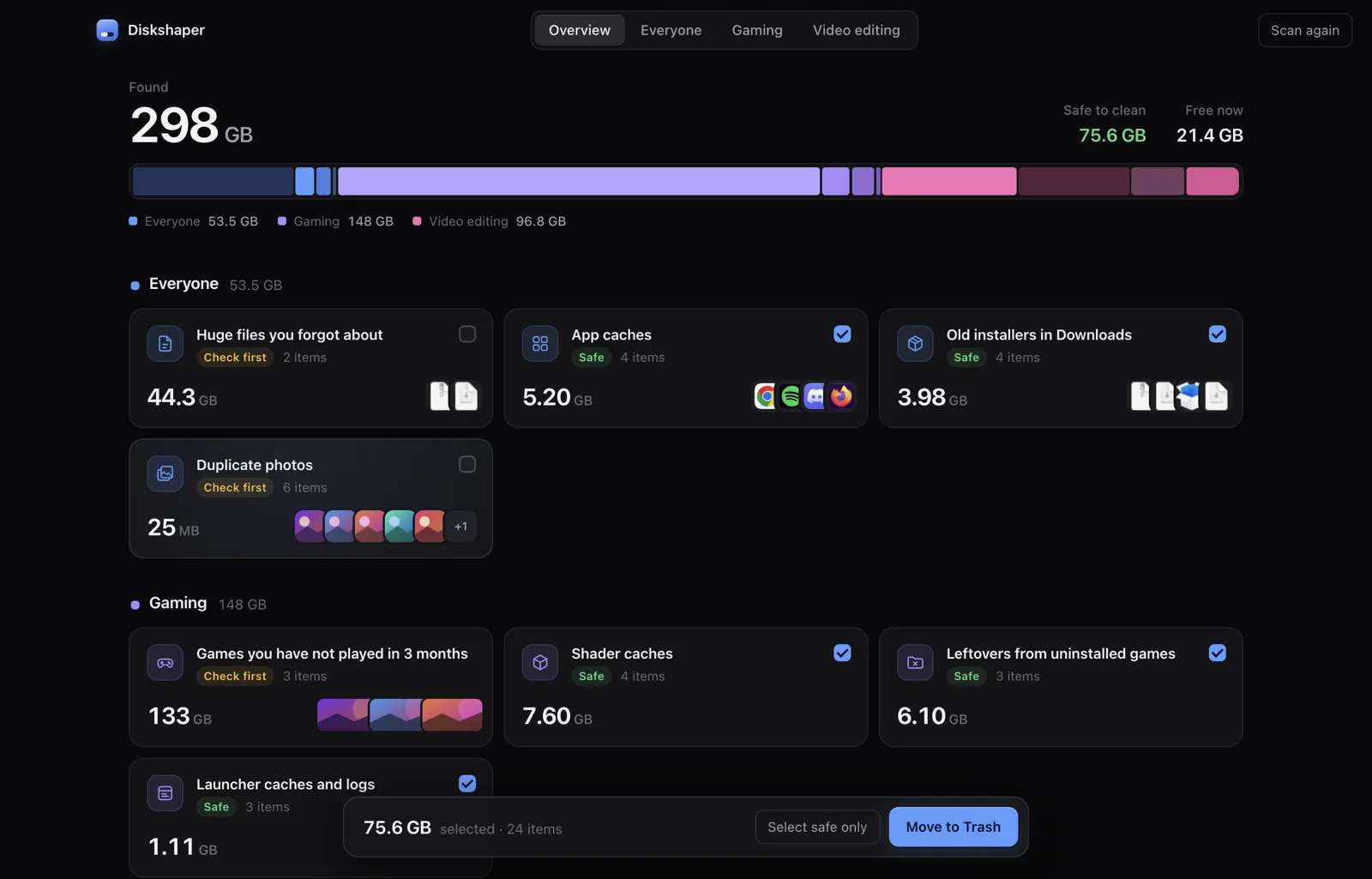

See what’s eating your storage, from shader caches and Steam leftovers to Premiere caches and duplicate photos. Clean only what’s safe, always to the Trash.
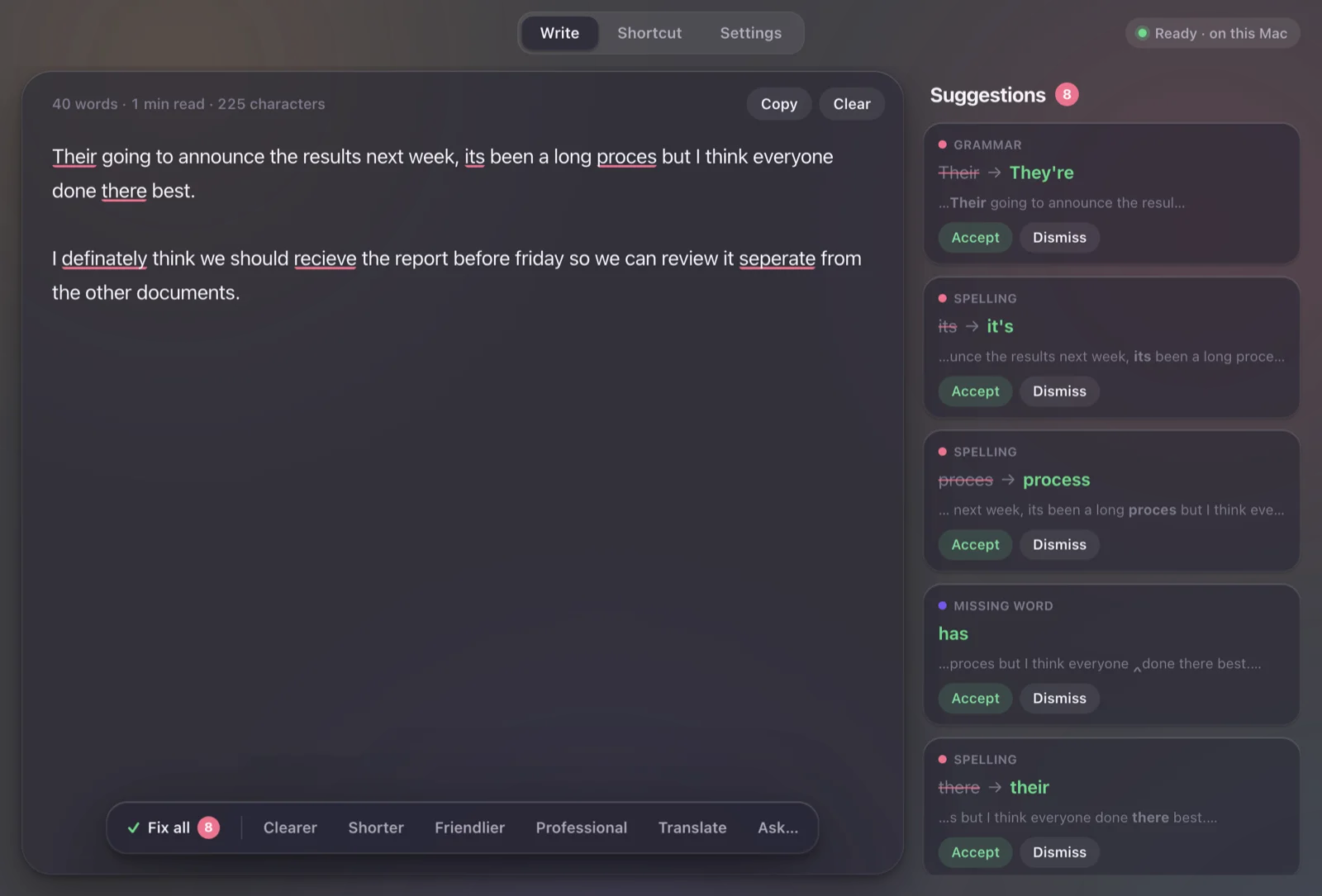

Select text in any app, press a shortcut, and it’s fixed, or made clearer, shorter, friendlier or more professional. The writing model runs on your computer.
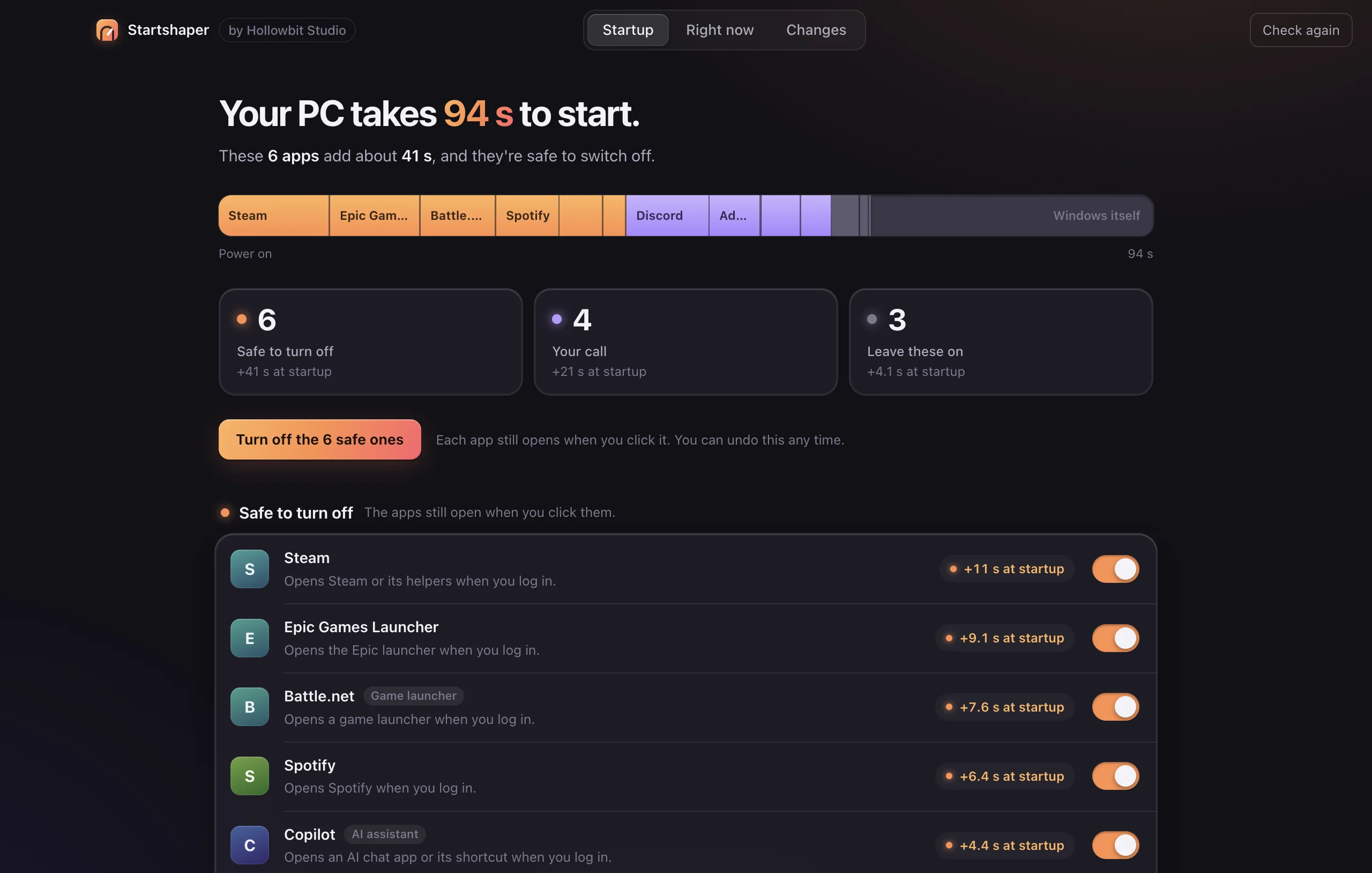
Find out why your computer is slow. See every app that starts by itself, what it is in plain words, and switch off the ones you don’t need. Every change can be undone.
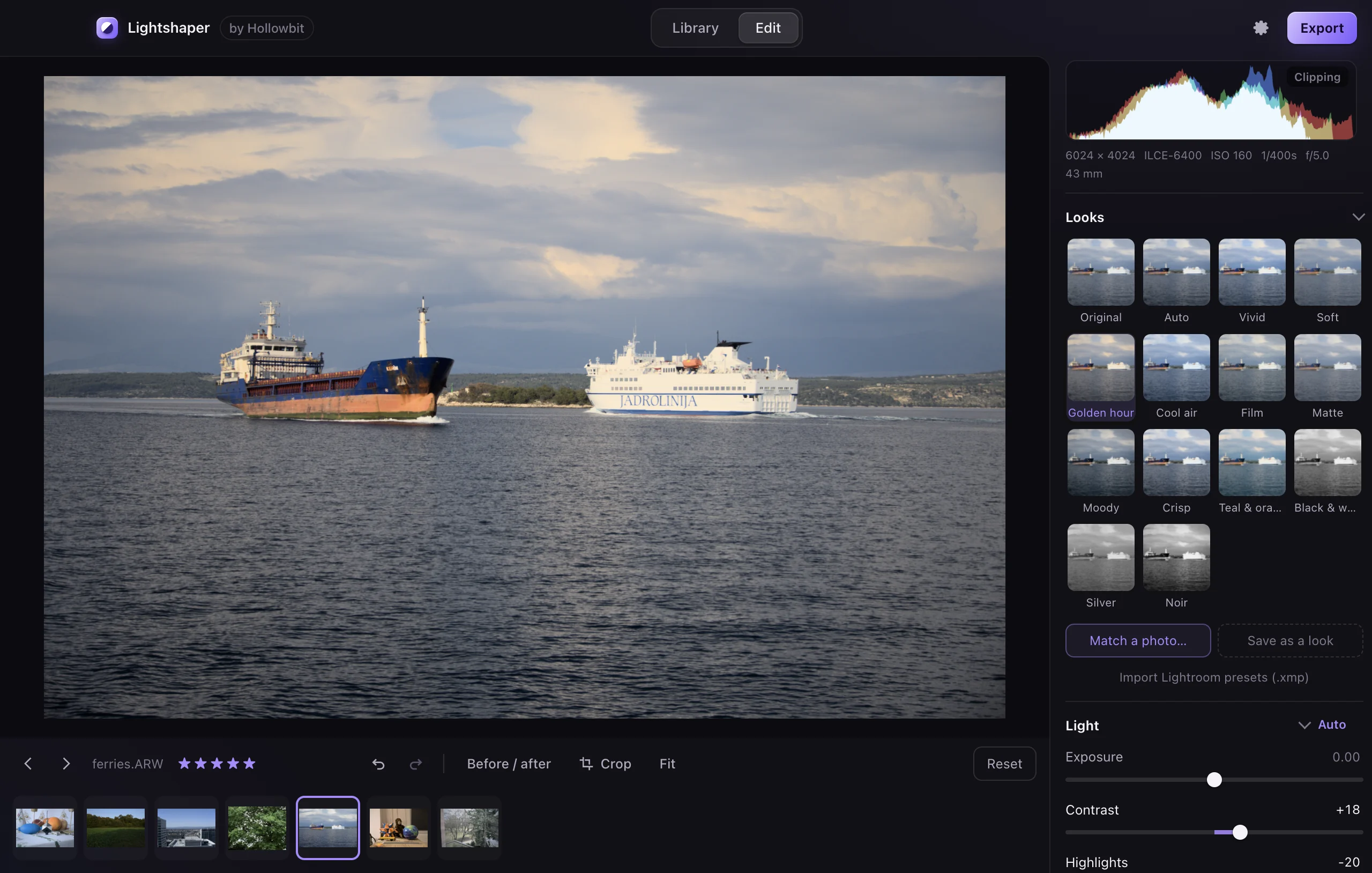
Edit your photos, camera RAW included, with sliders, masks and looks. Batch-edit a whole folder and export. Your originals are never changed.
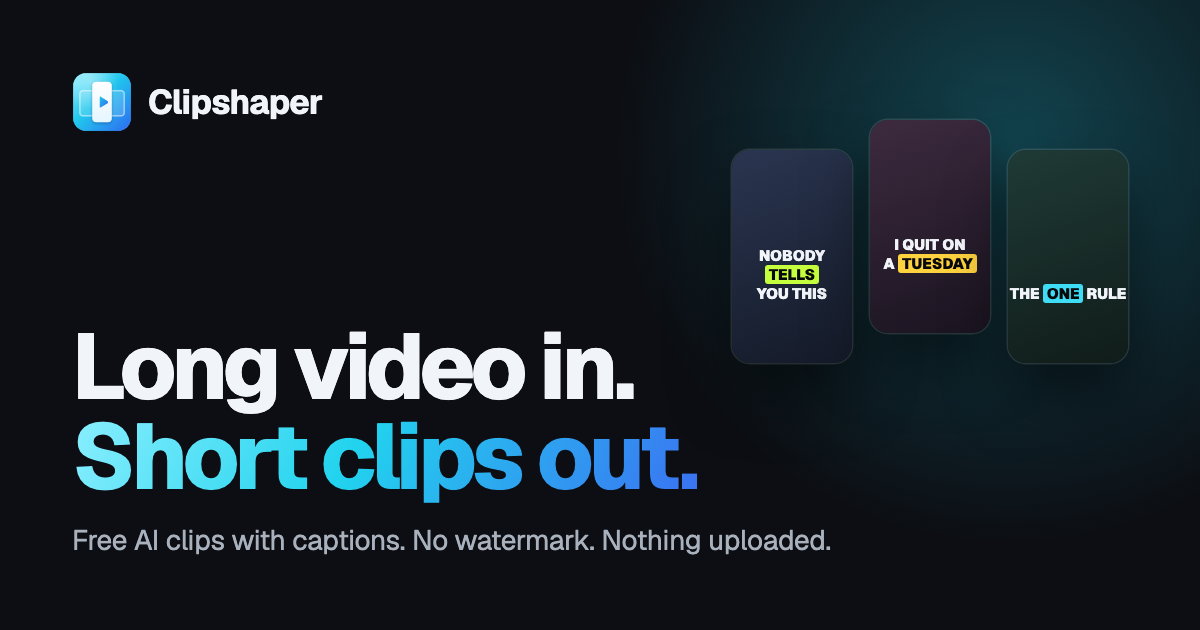
Turn a long video into short vertical clips with captions. It finds the best moments, follows the speaker and exports for TikTok, Reels and Shorts. No watermark.
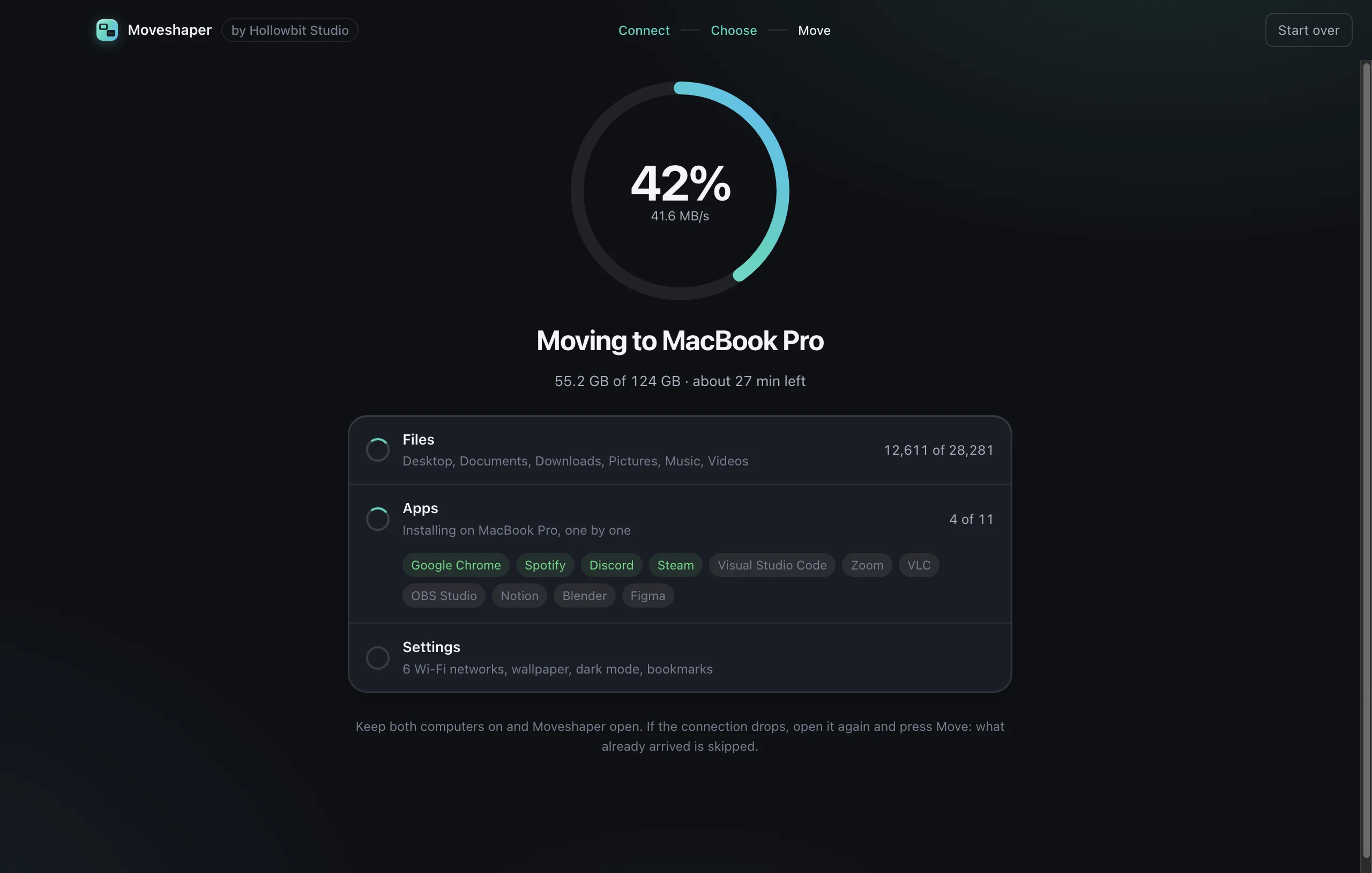

Move everything from your old computer to your new one: files, apps, bookmarks, Wi-Fi and wallpaper. Windows and Mac, both ways.
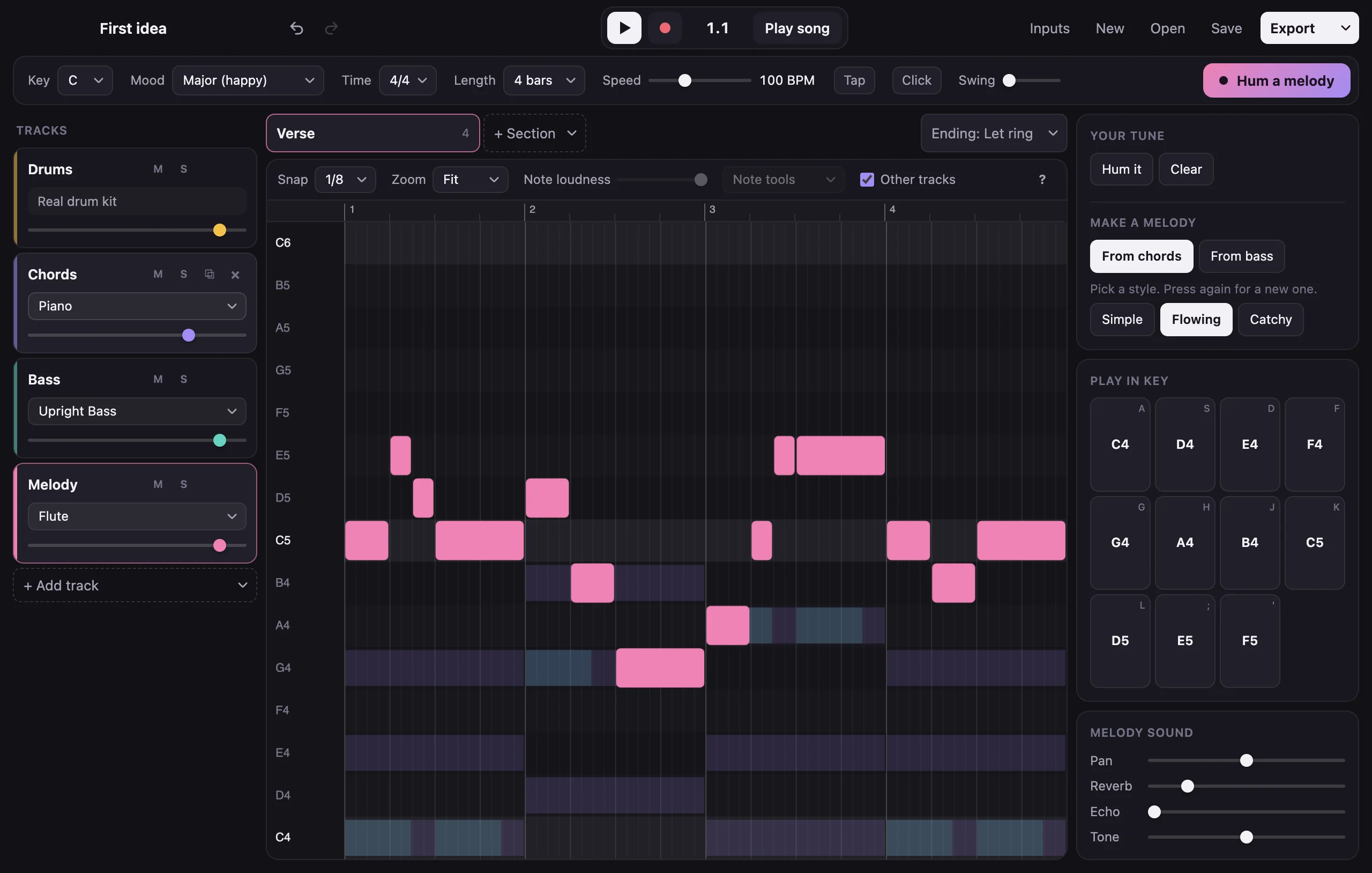

Hum a tune and hear it on a real instrument. Get chords that fit, add drums and bass, and export a whole song.
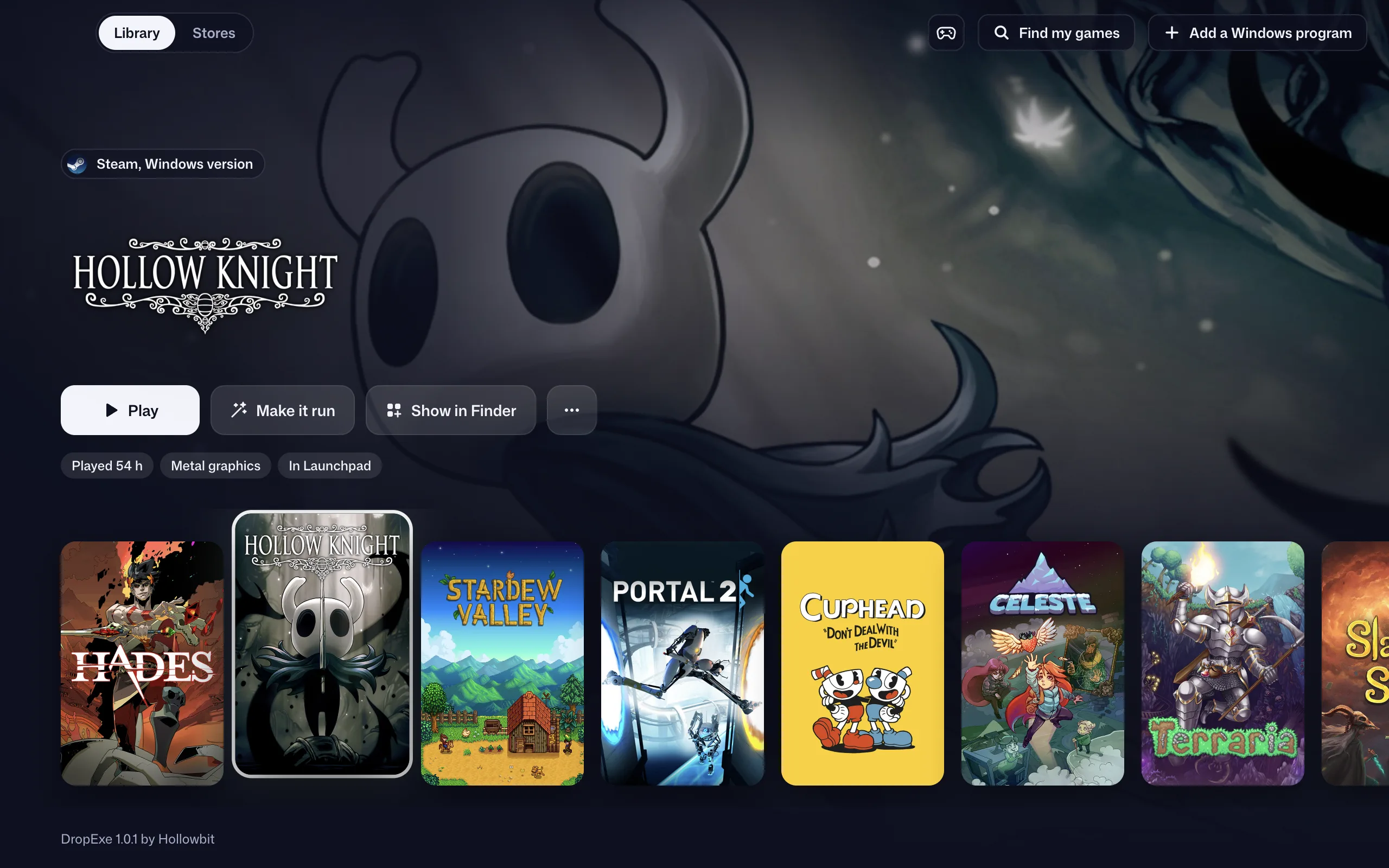

Play Windows games on your Mac. One shelf for Steam, Windows and Mac games, one-click Steam, and a button that makes stubborn games run.
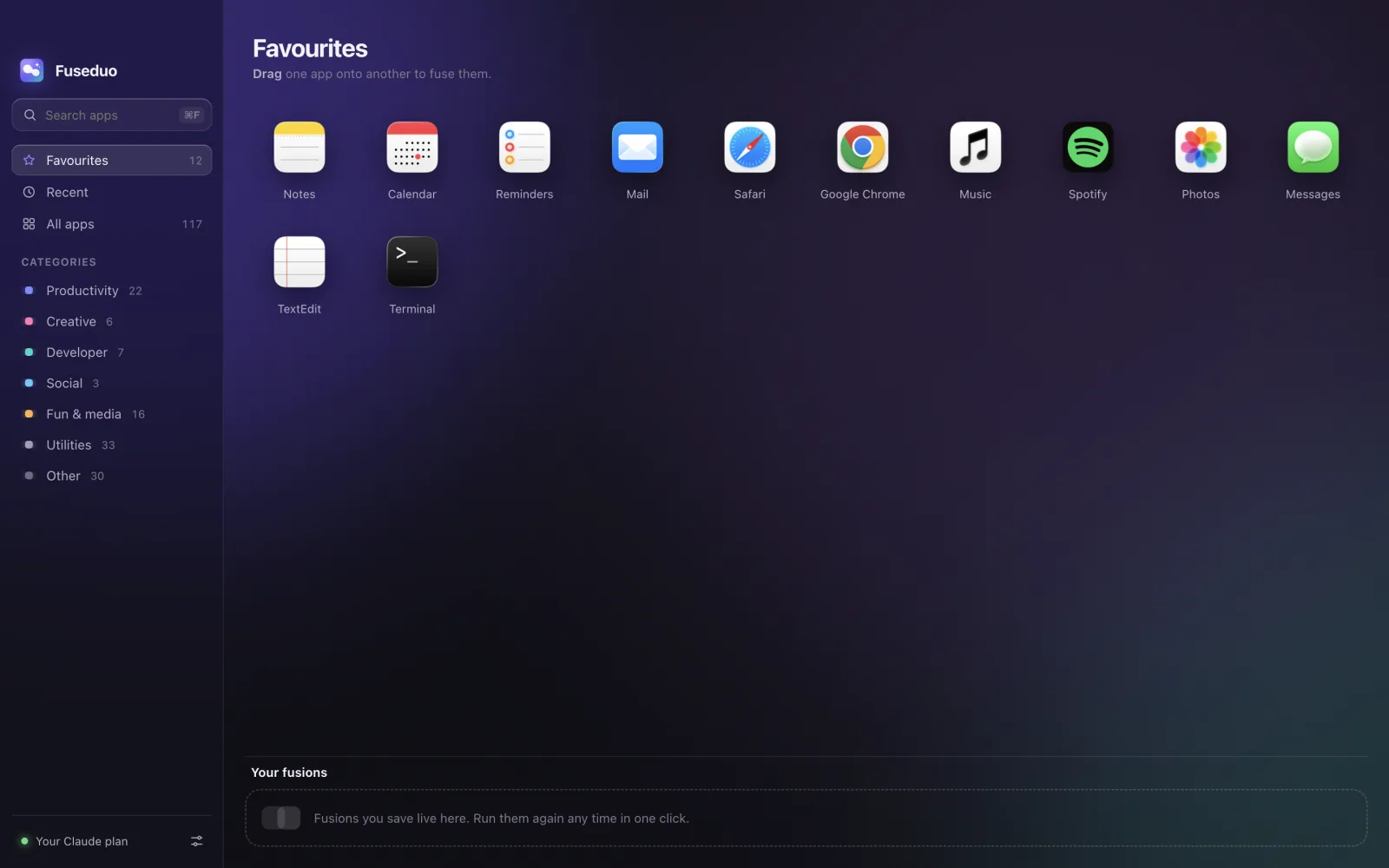

Drop one Mac app onto another and get a working automation between them, explained in plain English before anything runs.